Klaviyo
Prerequisites for Configuring Klaviyo Data Source
- Create a Klaviyo account: Link
- Create a Private API key: Ensure you select all scopes corresponding to the streams you would like to replicate.
Configuring Klaviyo Data Source
Select the Source Type as Klaviyo
Fill in the required details:
- API Key: Specify the API key obtained from the prerequisites step
- Start Date: Enter the UTC date and time in the format
2017-01-25T00:00:00Z. Any data before this date will not be replicated.- Example:
2017-01-25T00:00:00Z
- Example:
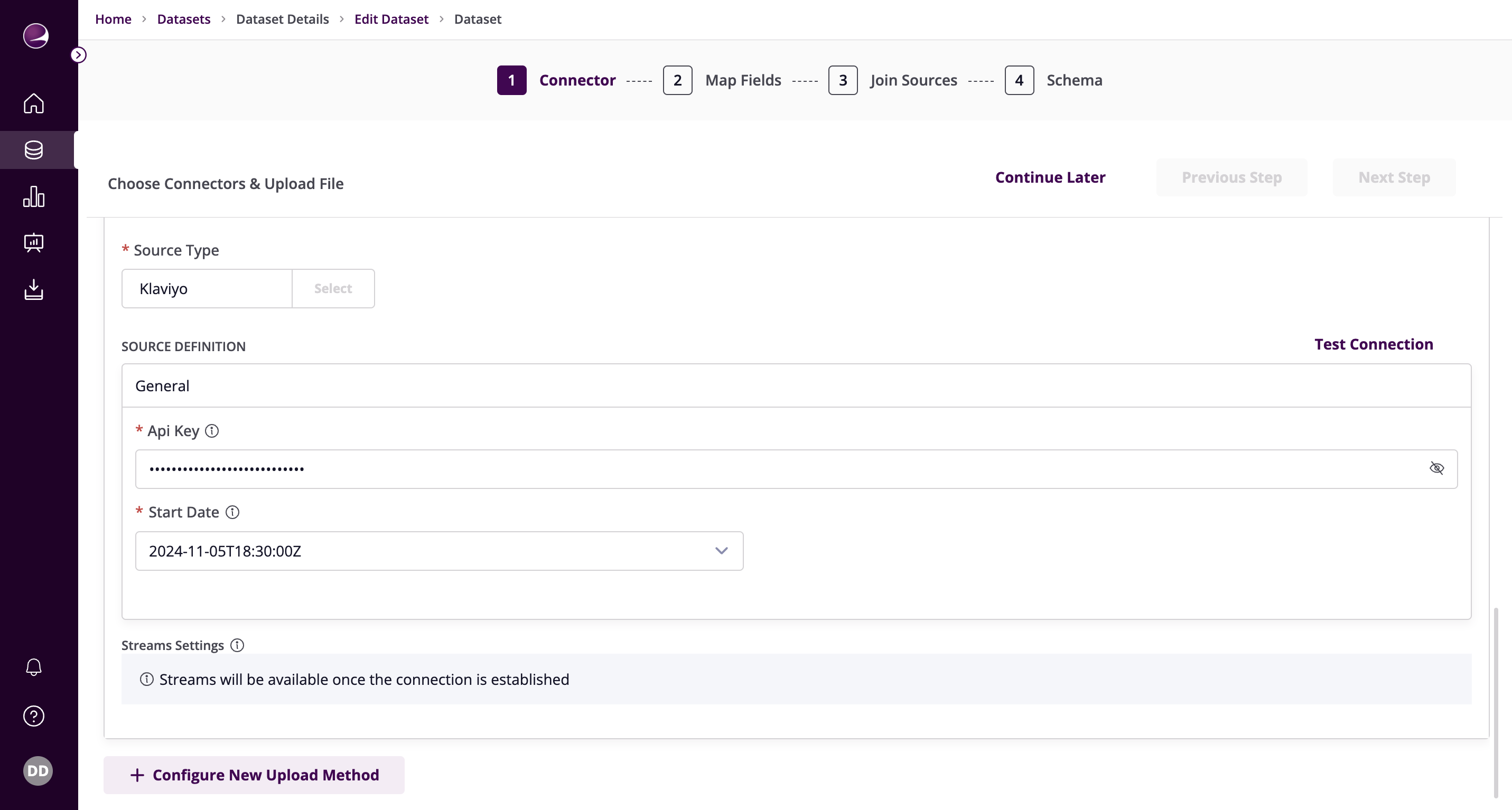
- Click on Test Connection to verify if the connection is established successfully.